Need a hand?
Using your RSVP dashboard
Answers to what people ask us most.
How do I share my RSVP link with guests?
Use the Share button on your dashboard to copy the link, or send it directly by text or email right from there. Anyone with the link can view your invitation and RSVP — no app or account needed on their end.
How do I export my guest list?
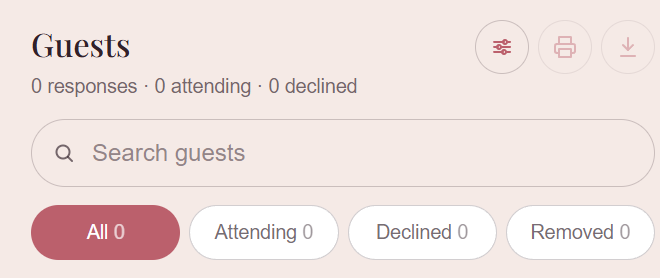
On the Guests tab, use Export CSV to download the full list (names, meal choices, plus-ones, messages) into a spreadsheet, or Print for a paper copy.
Can I upload my own song for the RSVP page?
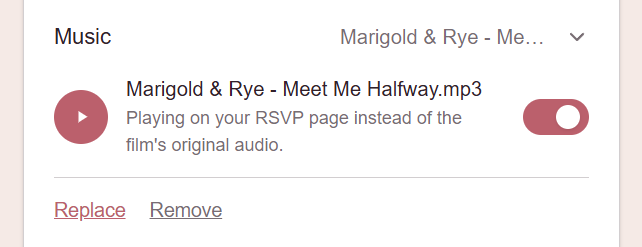
Yes — under Settings you can upload your own song to play on your RSVP page instead of the default. You can turn it on or off any time, or remove it entirely, without affecting the rest of your page.
How do I change the dashboard's appearance?
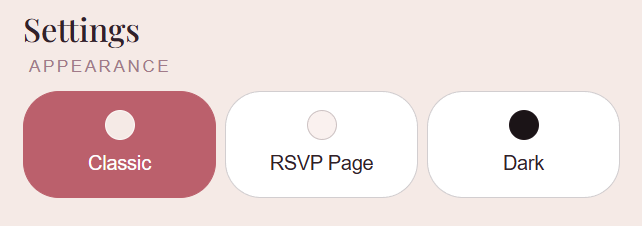
Use the theme switcher (Classic, RSVP, or Dark) near the top of your dashboard. It's just a viewing preference for you — it doesn't change how your RSVP page looks to guests.
Can I update my wedding details after ordering?
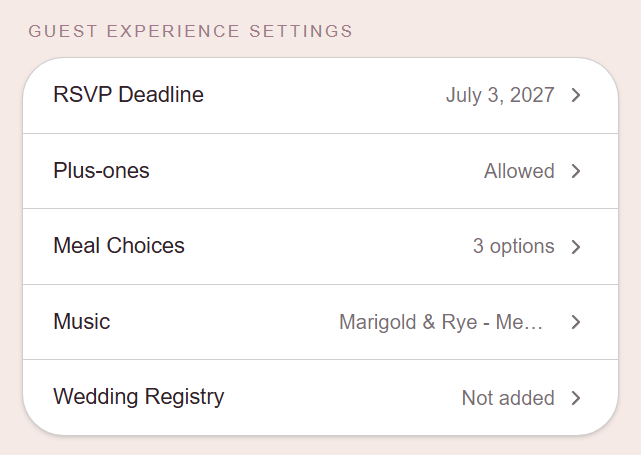
Under Guest Experience Settings, you can update your RSVP deadline, whether plus-ones are allowed, meal choice options, your background music, and your registry link, any time. Your names, wedding date, and venue are part of the animated invitation itself, so those can't be edited from your dashboard — reach out and we'll take care of it.
How do I log out?
There's a Log out button under Settings, below your contact information. You'll need to request a new login link by email to get back in.

What happens if I go over my guest limit?
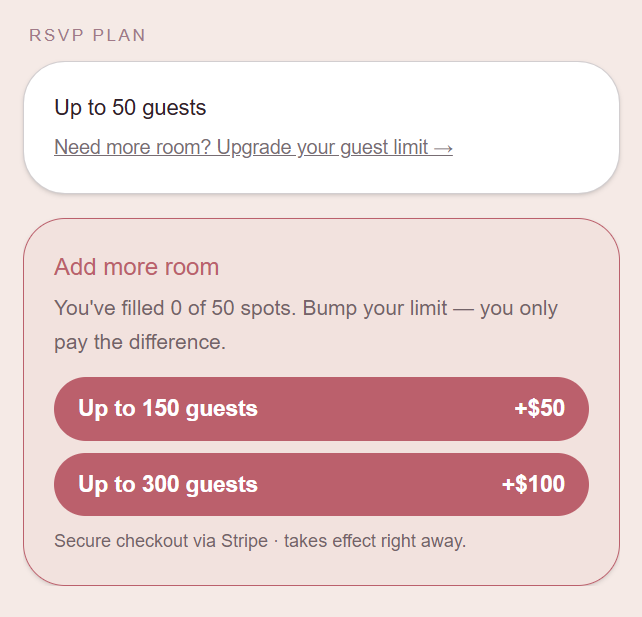
You'll see a prompt on your dashboard to upgrade to the next guest tier — it takes effect immediately, so anyone who was waiting to RSVP can go ahead and reply.
How do I download my finished video?
Your dashboard has a download link for your finished film once it's ready, so you can save your own copy any time.
What happens to my RSVP page after the wedding?
It stays fully live for 30 days after your wedding date, then moves to a simple thank-you screen. It's archived after 60 days. Your guest list and responses aren't affected — reach out any time if you need your data.
Still stuck? Just reply to any of our emails, or reach out at hello@lovespoken.com.